Bialborad for teaching & tutoring
Bialborad is an online whiteboard built for 1-on-1 tutoring or teaching 50 students at once. Start an online classroom whiteboard for teaching math, writing, or coding instantly.
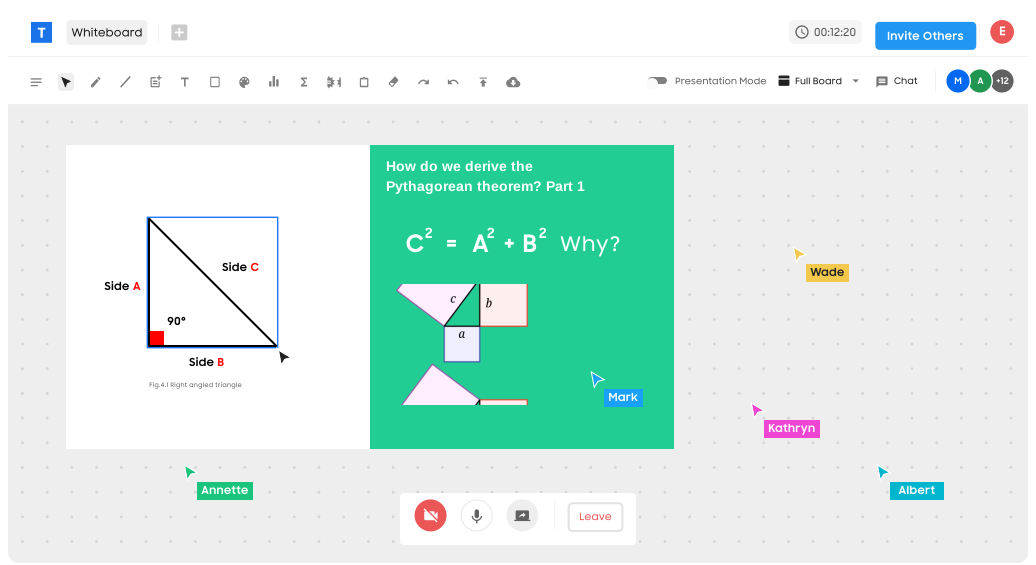
Robust online whiteboard for math tutoring and beyond.
Supercharge your online tutoring with a whiteboard that powers an equation editor, function graphing, grid, and Wolfram Alpha software integration. Bialborad is a powerful math collaboration app built specifically for education.
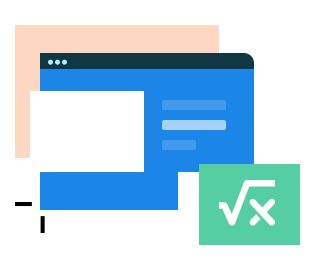
Equation Editor
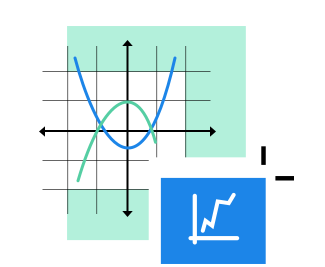
Graph Functions on Grid

Wolfram Alpha Integration
The live video chat mixed with a virtual whiteboard took my tutoring business to the next level.
Collaborative whiteboard for writing and coding anything.
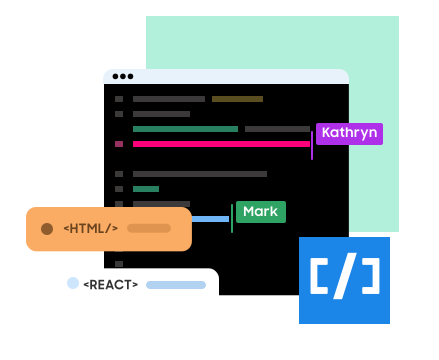
Bialborad takes writing and code tutoring to the next level with a collaborative online whiteboard and real- time video and messaging.
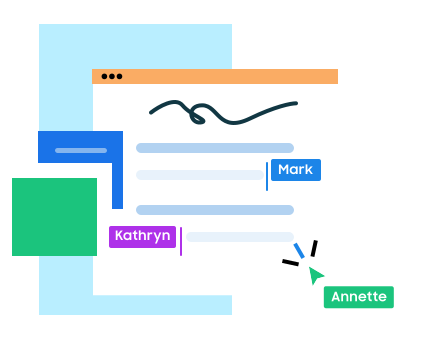
Writing
Coding
Replace the chalkboard with an online classroom whiteboard.
Bialborad replaces the physical whiteboard in school with a virtual chalkboard online. Create a digital blackboard to teach up to 50 students at once with Teacher Mode. Use several pen options, different colors, text editor, and eraser.
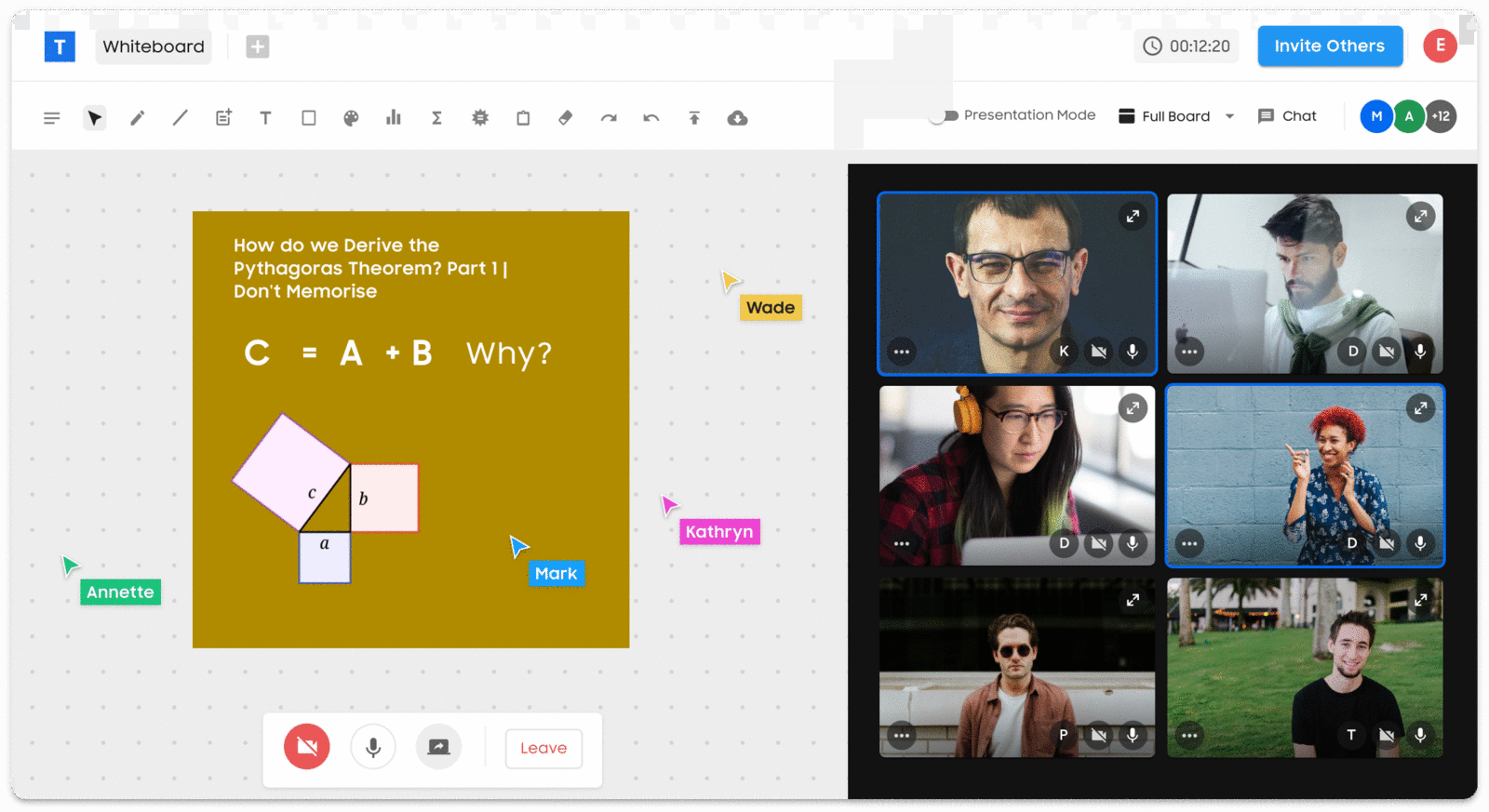
Everything you need in online teaching whiteboard software, for free.
Bialborad's online teaching and tutoring app give educators the freedom to teach anything. The possibilities for collaborative e-learning and distance learning are limitless.
Teaching Mode

Video Chat
Screen Sharing
Save Your Work
Live and Unlimited
Upload Images, Shapes, and More
Teaching on a whiteboard the class can actually see
A physical whiteboard has one obvious flaw online: only the person holding the marker can use it. A shared classroom whiteboard removes that limit. The tutor writes, the student writes back on the same board, and both of them watch the working appear line by line — which is the part that actually teaches, far more than a finished answer pasted into a chat window.
That matters most in subjects where the steps are the lesson. Solving an equation, correcting a paragraph, tracing why a function returns the wrong value: all of them are sequences, not results. Bialborad keeps the sequence visible, lets the student take over the pen mid-way, and keeps the video window open so you can hear the hesitation that tells you where to slow down.
From one-on-one tutoring to a full classroom
For a single student the board is a quiet workspace shared by two people. For a group, teaching mode puts you in control of what everyone sees: present from your board, call on a student to work through a problem while the rest watch, or split the class into small groups that sketch their own answers. Screen sharing covers the moments when the material lives somewhere else — a slide deck, a document, a piece of software you are demonstrating.
Maths gets its own tools rather than a workaround. The equation editor writes proper notation instead of improvised keyboard symbols, the grid and graphing tool plot functions where students can see the shape of them, and Wolfram Alpha turns an equation into a step-by-step solution you can talk through together. Writing and coding lessons use the same board: a text editor for grammar and essay work, a live code editor that runs HTML, CSS, JavaScript and dozens of other languages.
Common questions from teachers and tutors
Do students need to install anything?
No. A lesson opens from a link in the browser, on a laptop, tablet or phone. That is usually the difference between a lesson that starts on time and one that spends ten minutes on setup.
How large can a class be?
Teaching mode is built for classes of up to fifty students at once, with video chat and messaging for the whole room. Smaller groups and one-to-one sessions use exactly the same board.
Can I keep the board after the lesson?
Yes — export it as JPG, PNG, GIF or PDF and send it out as lesson notes, or reopen the board for the next session and carry on where the class stopped.
Is it suitable for maths specifically?
The equation editor, coordinate grid, function graphing and Wolfram Alpha integration were added for maths tutoring in particular, so formulas and plots stay readable instead of being improvised with a mouse.
 A shared online whiteboard for teams, teachers, and friends.